
Checklist for launching an online store or website
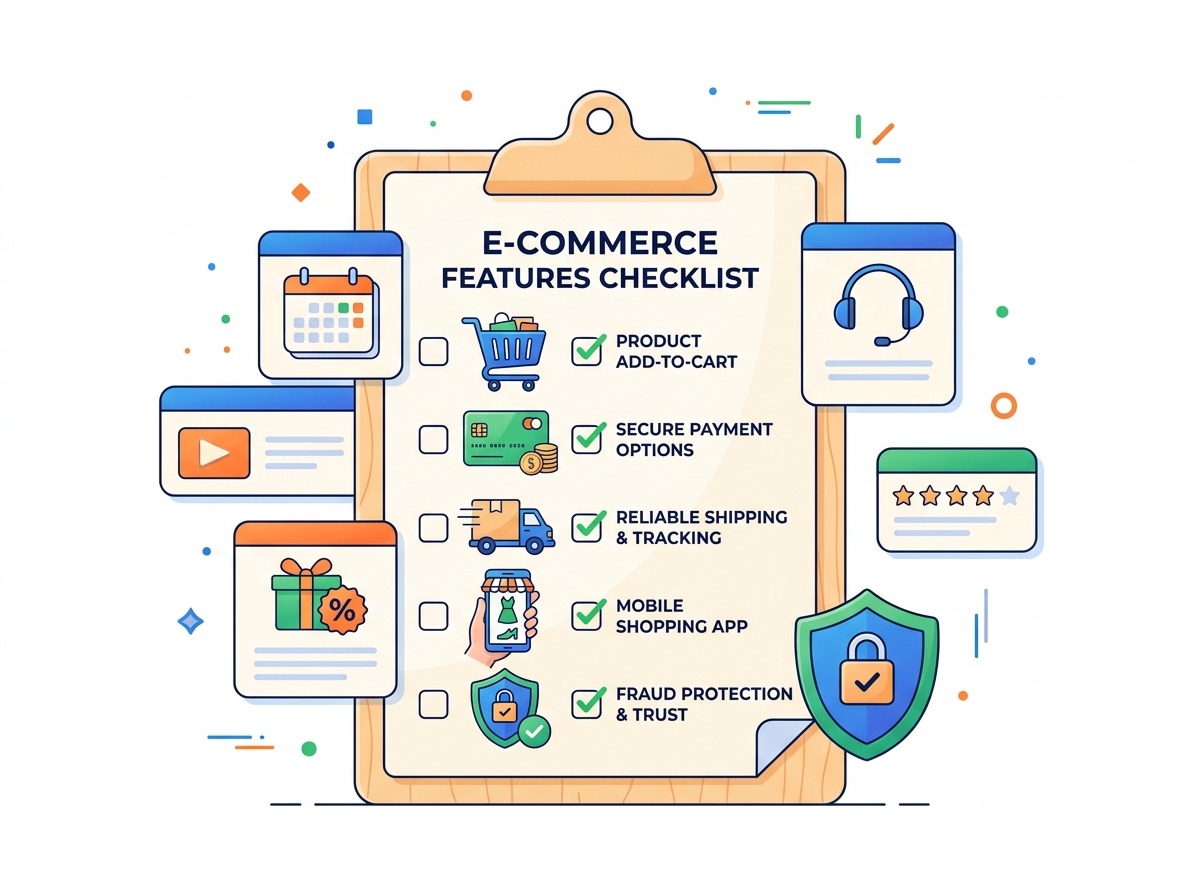
The launch of any project is associated with the solution of a large number of issues, and sometimes there may be situations when it seems that all the most important things have been done, but in fact some points forgotten.
We offer a list of checklists for your online store or website. If you missed something, then after checking the proposed list of your online store can be better. The list is focused on the online store, but many of these recommendations will be suitable for checking a regular website.
Even experienced teams sometimes discover important little things after the launch. This is normal: during development, attention is often focused on functionality and design, and some details come to light only when the site is actually used.
That's why it's useful to go through a simple checklist before or right after the launch. It helps to look at the project from the user's side and make sure that everything works as expected: order placement is clear, forms are submitted, emails arrive, and the site is displayed correctly on different devices.
In this list we have collected the main points that online store and website owners should pay attention to. Perhaps, some of the items you have already implemented - great. But even a quick check will help you make sure that nothing important has been left behind.

Platform and infrastructure
- CMS was chosen for business tasks, not because a friend recommended it. Catalog for 500+ products, multilingualism, integration with ERP - for Drupal Commerce is a natural environment. Store for 30-50 articles? You could go with Shopify. But scaling the builder is a pain. If you're serious about growing - choose a platform that won't force you to change your engine on the fly.
- SSL certificate should be active (Let's Encrypt is enough to get you started). Set up a forced redirect from HTTP to HTTPS.
- Choose one option - with or without www - and write canonical. Search engines don't like duplicates, and Google Search Console won't thank you for it.
- Host under load, not under the minimum requirements of the provider. Shared hosting for €3 a month will handle your checkout, but not the first day of a sale. Shared is not a matter of "if the site goes down" but "when". Just as importantly - search engines don't like slow sites - and will under-rank them. Internet-shop is not a 3-page lending, its requirements are higher, and saving on a few euros a month on cheap hosting can go sideways. In Estonia we prefer zone.ee. (According to some tests this hosting shows fast performance when processing complex requests several times faster than competitors)
- Caching is configured to the word "ready". One of the factors of acceleration is to properly configure caching in the settings of your store, we can help with this.
- Google Analytics 4 is set up before the first visit. Not after launch, but before. Baseline-statistics from day one - without it, you won't be able to assess in a month whether something is working at all. Set up events: page_view, add_to_cart, begin_checkout, purchase. Without a funnel, you won't understand where customers are falling off. And that's the first question you'll ask.
- Google Tag Manager is plugged in and tested. GTM is your pixel management center: Google Ads, Meta, Pinterest, TikTok. Set it up right away so you don't have to climb into the code every time a marketer asks for a new tag. Once configured, Tag Manager saves hours of developer work and dozens of nervous "why isn't the pixel working" messages.
- Backups are automated. Database - daily. Files are backed up at least once a week. Ask yourself a question: if the server burns down right now, how many orders will you lose? If the answer is more than one day, change your backup strategy.

Catalog and content of webshop
All product cards are filled out completely. Title, description of 150 words or more, technical specifications, at least three photos, current price, availability status, SKU. An empty card is not "we'll finish it in a week". It's a showcase without the product. The buyer will not guess for you what this product does and how it differs from dozens of similar ones. Every empty card is a lost sale right now.
- Photos are optimized for format and weight. WebP is preferred, JPEG is acceptable. Maximum 200 KB per image. Heavy images - slow page load - lose 30% of mobile visitors. Google data: every extra second of loading time reduces conversion by 7%. Optimize images before uploading to the server - not "after, when you have time". For example, in Drupal you can automatically convert all photos for the product carotochke in the desired format in one click, even if the original photos were in a different format
- Clean URLs are included from day one. Structure /category/goods - understandable by both humans and Google. No /node/347 or product?id=89. CNCs are the foundation of SEO that can't be fixed without massive 301 redirects. If you move to a new structure later - you'll lose your current positions in rendition. Lay the structure at the start.
- Search works with typos, synonyms and morphology. Check: "iphon" instead of "iPhone", "headphones" instead of "headset". For a catalog of 1000 items or more, it is better to use an advanced search, for example, using Elastic Search. which allows you to search by synonyms and with missing letters.
- Filters shorten the path to purchase. Price, brand, size, color, availability are all attributes that the buyer actually searches by. A buyer shouldn't have to flip through 15 pages for sneakers in size 43, black, under 80 euros. Faceted search in Drupal Commerce is customized to your attributes. Each filter is a step a buyer won't take from a competitor.
- Category pages are ranked in search. It's not just a grid of products. Add an introductory text of 200-300 words with the right keywords. H1 headline, H2 subheadings, internal links to subcategories. The category page is the main landing page for "buy [product] in [city]" queries. Without content, Google doesn't understand what the page is about and won't rank it.
- SEO meta tags are filled in for each page. Title up to 60 characters with keyword. Description up to 155 with a call to action. Canonical URL for variations of the same product with different colors or sizes. A unique title for each product - not the template "[Product] | Store". Duplicate titles are duplicates in Google results.
Payments, delivery, legal framework
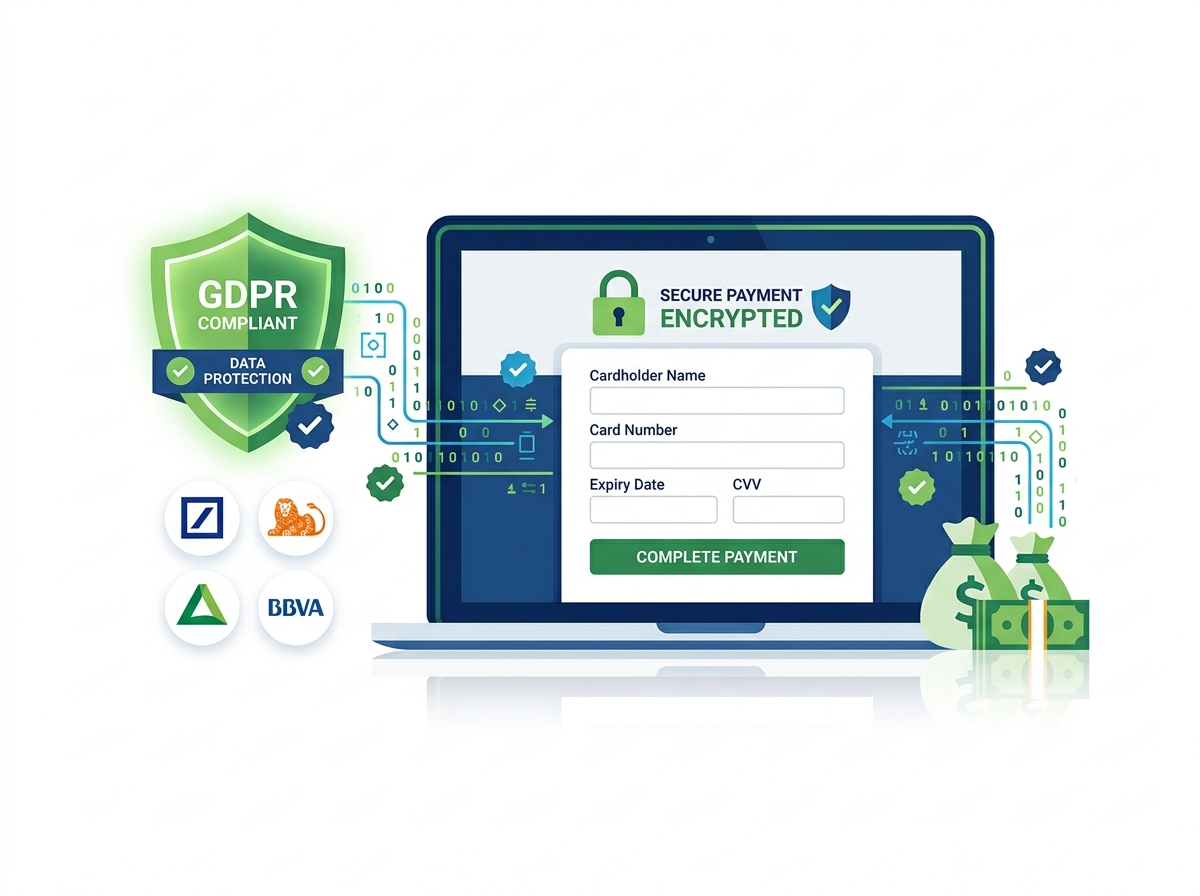
- The payment gateway has been tested in live mode. For Estonia and EU - there are many options to choose from, we prefer Montonio, but there are also Paysera, Maksekeskus, EveryPay, Stripe.
Sandbox test transactions - do not count. Make a real purchase of 1 euro and issue a refund. Is the money debited? Order created in the admin? Did the status update correctly? If at least one "no" - do not run.
- Payment methods for real audience. Bank card, Banklink (Swedbank, SEB, LHV), Apple Pay, Google Pay. In Estonia, up to 40% of online payments go through Banklink. If you don't connect Banklink, you automatically cut off a significant share of the market. This is not a tick box "we have payment", it is a real need.
- EU Directive 2011/83/EU returns policy. Fourteen days for returns without explanation is a legal requirement, not a recommendation. The returns terms and conditions page should be available in two clicks.
- Privacy and Cookies Policy (GDPR). A cookie banner with explicit consent (not just "we use cookies"). Privacy policy in a prominent place. Subscription forms with a consent checkbox. In Estonia, Andmekaitse Inspektsioon is overseen by Andmekaitse Inspektsioon - fines are no joke.
- Company contacts and details. Name, registration number, address, email, phone - everything is in the footer and on the "Contact Us" page. This is a legal requirement and Google's trust factor.
- "About Us" or "About Company" page. Tell who is behind the store. Show real people. Customers buy from people, not anonymous sites.

Post-launch: first week items
- Full end-to-end purchase - 3 times. On desktop, Android, iPhone. Three different scenarios: new buyer, registered, payment by card and via Banklink. Check each time: order is created, confirmation email arrives, item is deducted from stock.
- Google Search Console: sitemap submitted. Check that sitemap.xml is generated and sent to GSC. Monitor for indexing errors from day one.
- Monitor 404 and 500 errors. Set up logging and alerts. The first 404 is fine, but 404 on the payment page is a crisis.
- Conversion analytics are working. Check: GA4 goals are recorded, add_to_cart - checkout - purchase funnel is filled with data.
- Load speed - after launching on real traffic. PageSpeed Insights and GTmetrix 2-3 days after launch when cache has warmed up.
- SEO audit after launch. Check that Google has indexed at least some of the pages after 2 weeks. If not - deal with robots.txt, sitemap or internal links. You can monitor the indexing process through Google Search Console.
- Budget for the first advertising campaigns - ready. Advertising is mandatory. Relying only on SEO is a big mistake. A running store without traffic is a store window on a dark street. Decide on your advertising budget and launch channels. Google Ads, Meta Ads, Bing - yes everyone forgets about it, but sometimes advertising there is cheaper, so you can try.
Launch your store without the headache
If you are still in the planning stage - we can help you create and launch an online store, taking into account all these points at the development stage, not after.
Get an estimate for free - let's work out what your business needs.